How to Edit YouTube Videos for Maximum Retention
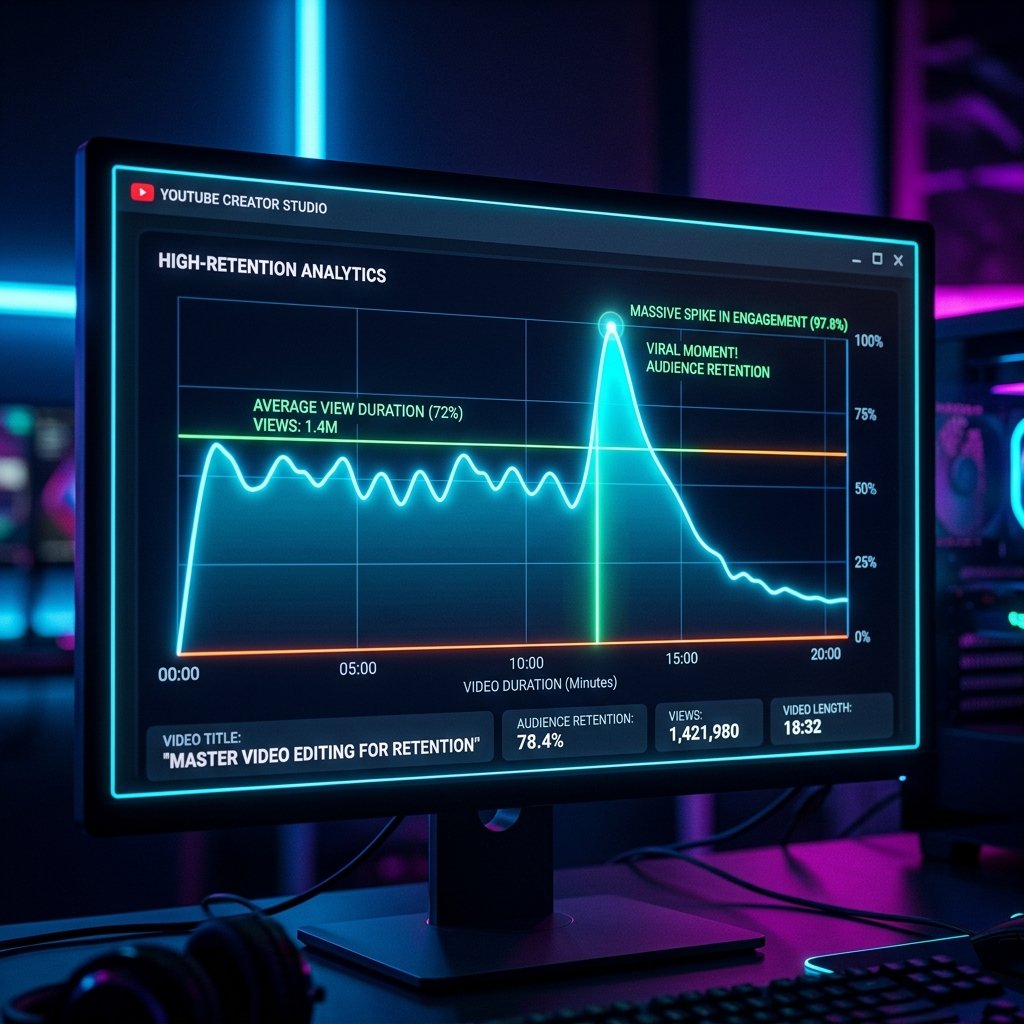
If there’s one metric that determines success on YouTube, it’s Audience Retention. The platform's algorithm is entirely optimized to keep people on the platform as long as possible. If your video can keep viewers watching, YouTube will reward you with impressions, browse features, and explosive growth.
But achieving a high retention rate isn't just about having a good personality or an interesting topic. It requires meticulous, deliberate post-production. Here is the ultimate guide to editing your videos for maximum viewer retention.
1. The "First 30 Seconds" Rule
The majority of viewers decide whether they will watch a video within the first 10 to 30 seconds. If you look at your retention graphs, the biggest drop-off always occurs immediately after the video starts.
- Cut the fluff: Never start with "Hey guys, welcome back to my channel." Start immediately with the highest energy moment or a compelling visual that proves the title of the video is true.
- Establish the stakes: Visually communicate what the viewer will gain by watching until the very end.
- Use pattern interrupts: In the first 30 seconds, change the visual on screen every 2-3 seconds to prevent the viewer's brain from losing focus.
"The edit doesn't start in Premiere. It starts with the hook. If the hook is boring, the best transitions in the world won't save your retention."
2. Visual Pacing & J-Cuts
A "J-Cut" is when the audio of the next clip begins playing before the video cuts to it. This technique tricks the brain into paying attention because it hears a new sound before seeing the new visual. It bridges the gap between cuts and creates a fluid, uninterrupted viewing experience.
Combine J-cuts with aggressive trimming. Remove every single "um", "ah", and breath. The pacing should feel incredibly tight. A good editor acts as a ruthless curator of the viewer's time.
3. The Power of "Pattern Interrupts"
A pattern interrupt is a sudden change in the visual or auditory flow of the video. It resets the viewer's attention span. Examples include:
- A sudden dramatic zoom in (or out).
- A sound effect (whoosh, pop, riser) accompanied by a text graphic.
- Changing the background music to shift the mood entirely.
- B-roll overlays that illustrate the exact thing being spoken about.
As a general rule, if the speaker has been on screen in a static frame for more than 8 seconds, you are losing retention. Introduce a pattern interrupt.
4. Sound Design is 50% of the Video
Many amateur editors focus entirely on visual effects and ignore sound design. Professional agencies know that sound design is the secret weapon for retention.
Use risers to build tension before a big reveal. Use low-frequency "booms" to emphasize important statements. Ensure your background music ducks (lowers in volume) when the speaker says something critical, and swells when there is a cinematic montage. Sound design keeps the viewer emotionally engaged.
5. The Payoff
If you promised something in the title and thumbnail, the entire edit must build up to the payoff at the end of the video. If the viewer feels the payoff is dragged out, they will scrub forward or click away.
When you edit, ask yourself: Is this clip essential to the payoff? If the answer is no, cut it.
Want us to handle the editing?
Our agency specializes in high-retention video editing for creators and brands. Book a free call today.
Book a Free Call